Newsletter Template | Internal
New Gmail-based template for all internal newsletters to ensure consistent branding and easier company-wide management.
The template is fully customizable for different content types and department communications.
Department newsletter managers can request access.
Once access is granted, the template will appear under My Layouts as:
DO NOT EDIT_o9 Newsletter Template
Follow the Instructions
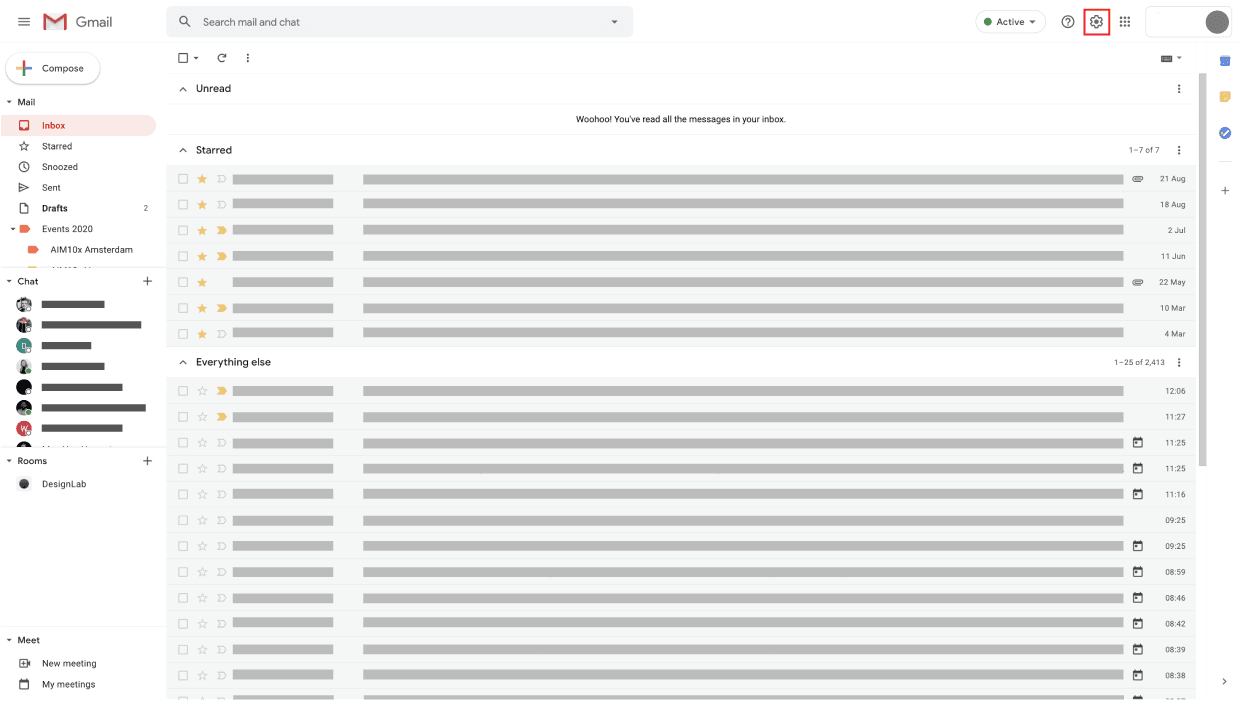
Step 1
Open Gmail and click Compose to start a new email.
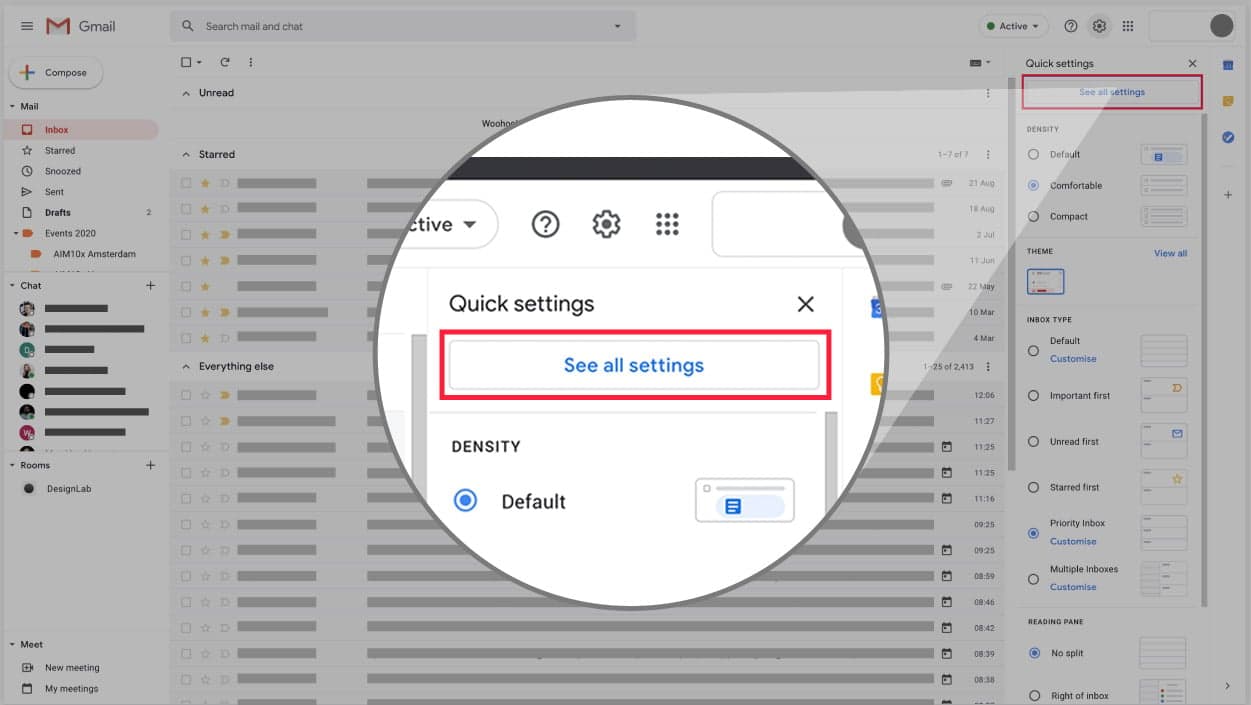
Step 2
At the bottom of the compose window, click the Layouts icon.
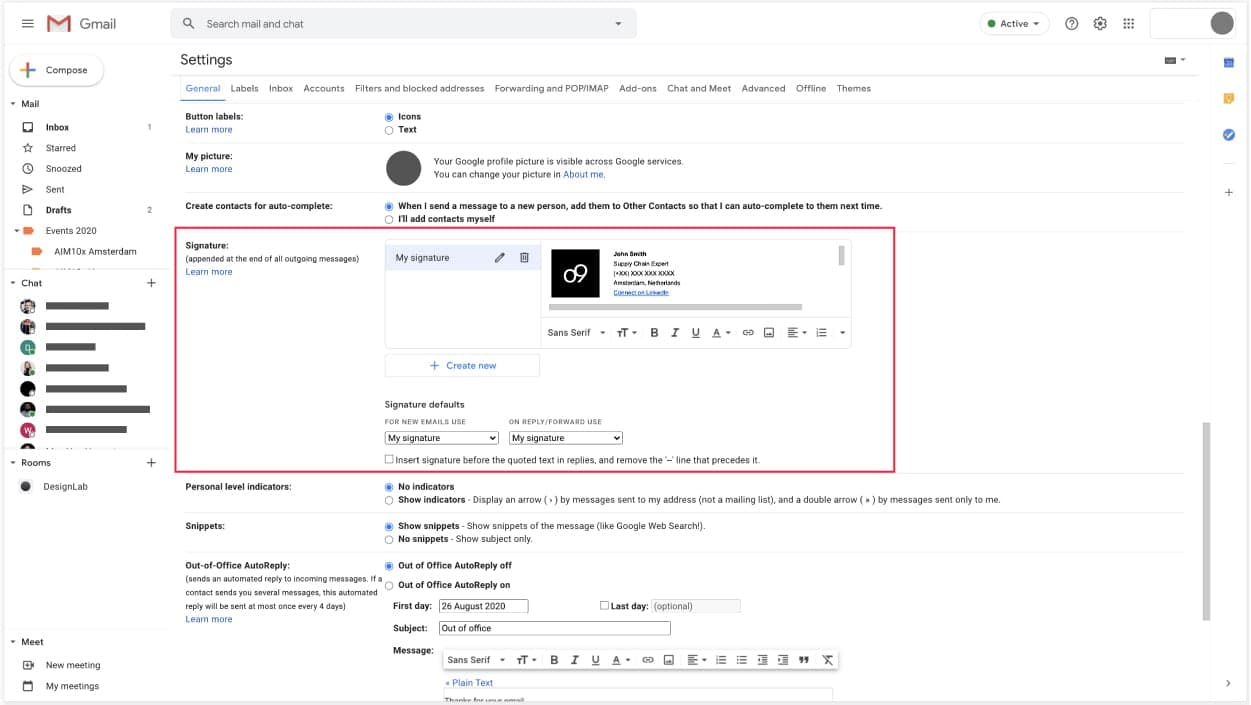
Step 3
In the Layouts panel, navigate to My Layouts.
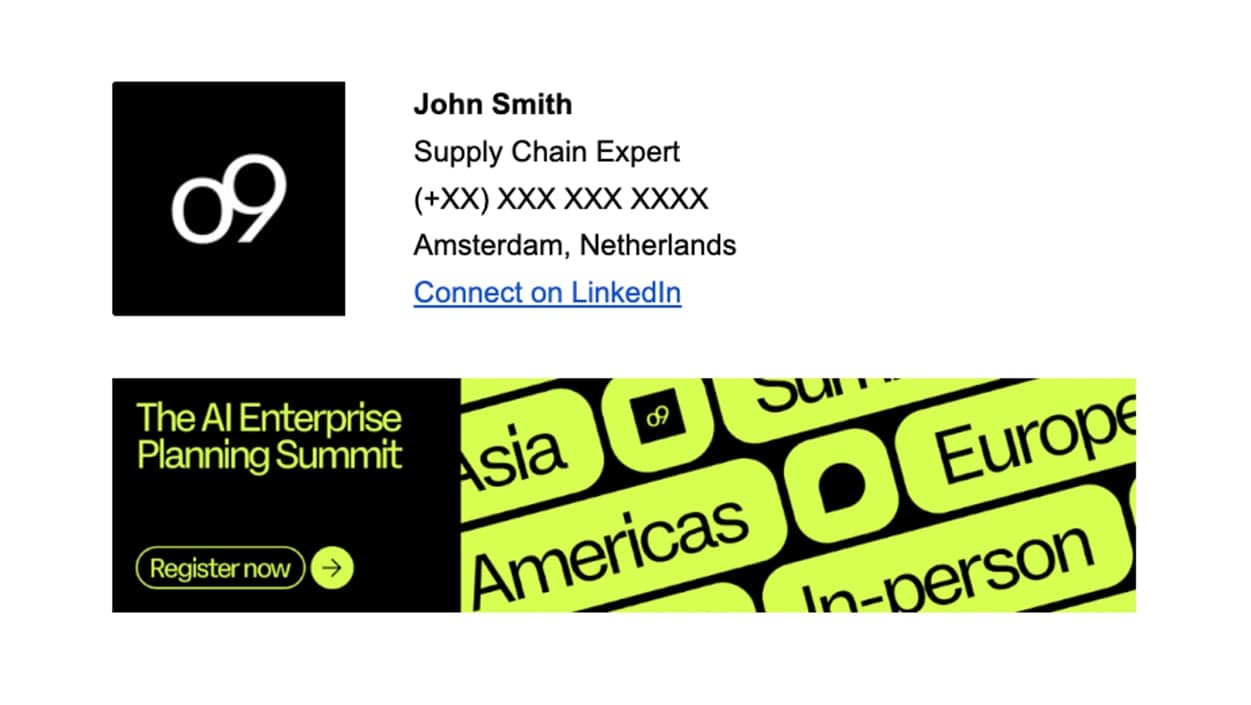
Step 4
Select the DO NOT EDIT_o9 Newsletter Template under My Layouts.
Step 5
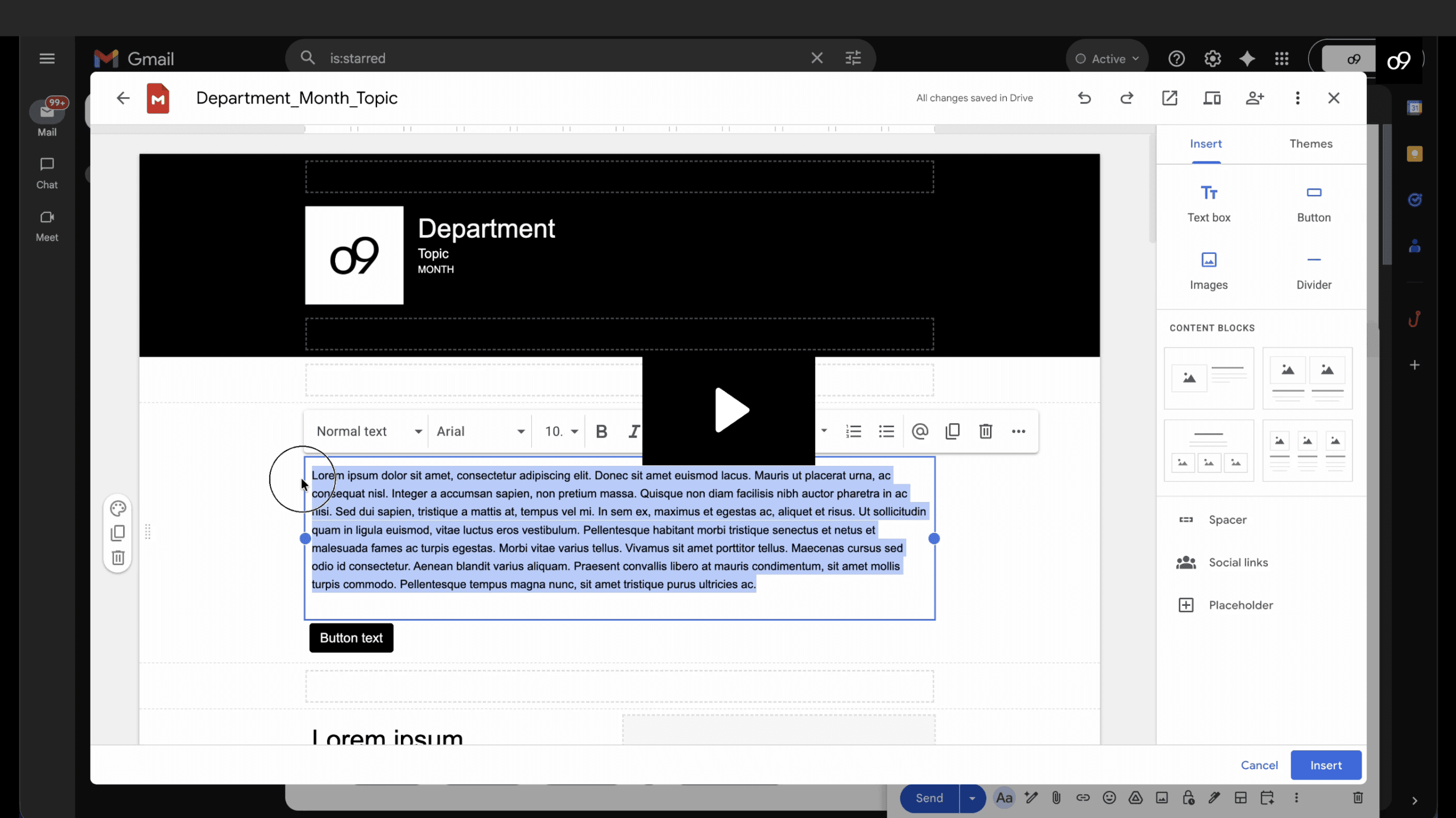
Before making any edits, create a copy of the original template and rename it if needed. ⚠️ Do not edit the master template directly
Step 6
Update the duplicated version with your department content, images, links, and announcements.
Step 7
Save your updated layout and use it for your newsletter distribution.
on this page